

How to Install IPTV on Samsung Smart TV UK
No revisions have been recorded for this guide. Our revision records begin in July 2026; changes made before then were not recorded.
To install IPTV on Samsung Smart TV you use Samsung’s on-TV app store (often under Apps or Smart Hub, depending on model). You install an IPTV player app, add the details from your subscription, then tune your network for stable playback.
For more help, see our IPTV setup guide and IPTV troubleshooting.
Quick Answer
- Smart Hub → Apps → Samsung Apps → install IPTV Smarters
- Login with Xtream Codes API → portal URL, username, password → Add User
- Open your playlist, then Live TV for channels
- Failed to Authorize usually means your provider has not registered the URL for Smarters on TV
- Full walkthrough: install IPTV on Samsung TV
Why Samsung TVs Work for IPTV
Samsung smart TVs include an app marketplace where IPTV player apps sometimes appear. Lineup varies by year and region—newer sets often have more options. When the store is too limited, an external streamer is a simple fix. See our best device for IPTV UK guide.
Your provider supplies credentials when you subscribe. A free trial lets you test before committing.
IPTV Smarters on Samsung — setup flow
From Smart Hub, install IPTV Smarters Pro or Smarters Player (name varies by region). Launch the app, choose Login with Xtream Codes API, enter portal URL plus username and password, tap Add User, then open Live TV.
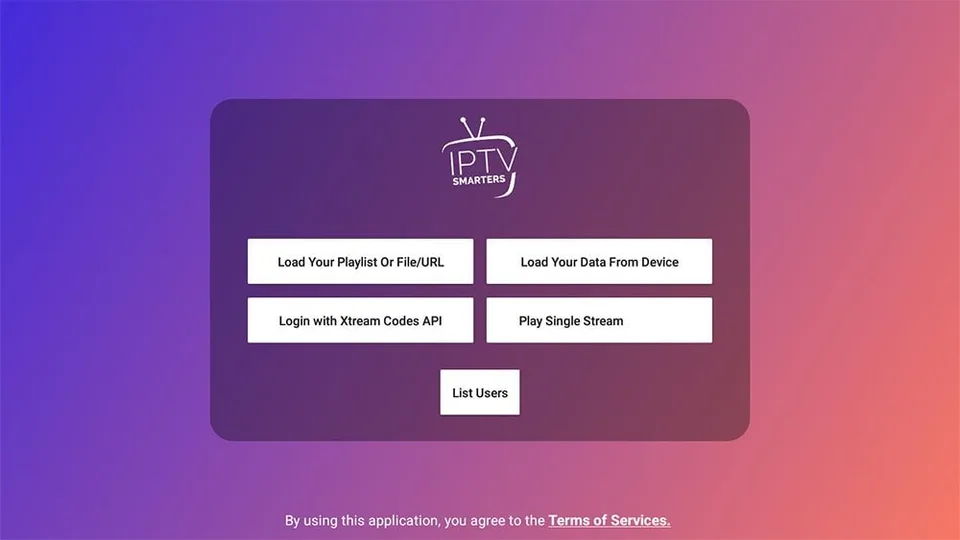
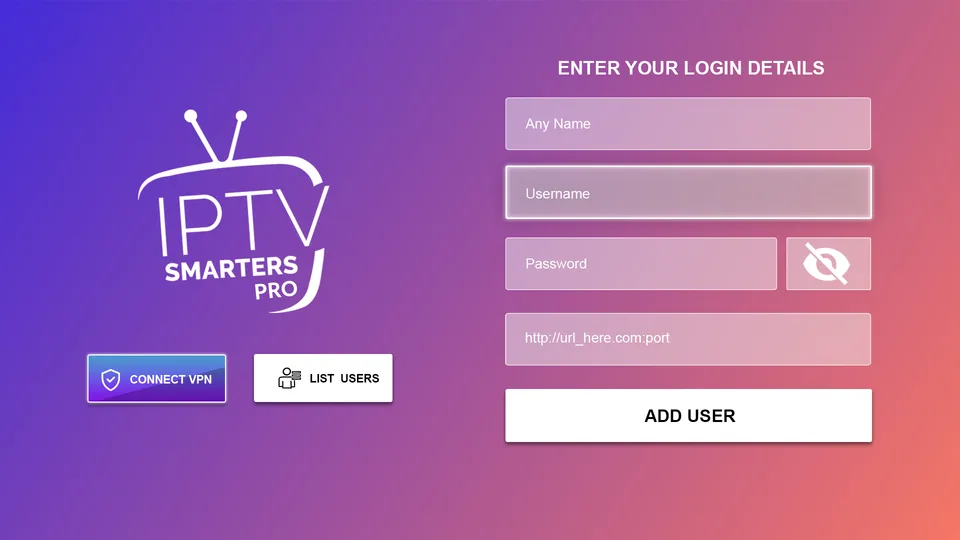
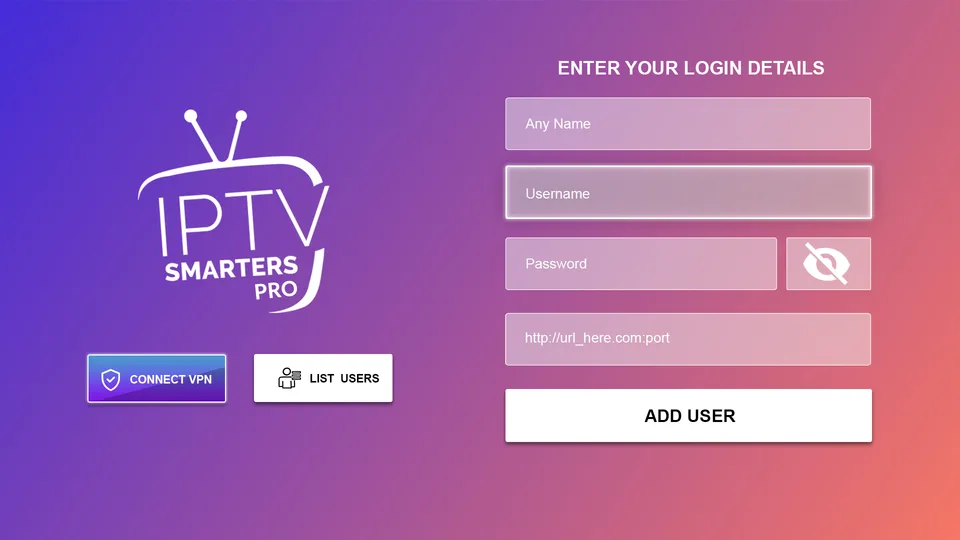
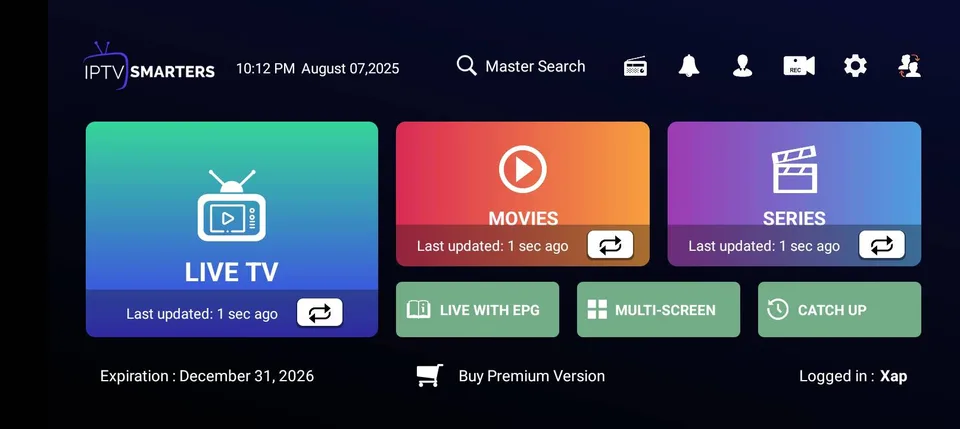
Failed to Authorize? Common on Samsung and LG when the provider has not paid to register your server with Smarters for TV apps. Ask support for a TV-compatible login or another player. Details on install IPTV on Samsung TV.
Field help: IPTV login details explained.
Other players if Smarters is unavailable
Some Samsung models list Smart IPTV or IBO Player instead. MAC-based apps need your TV address registered on the provider dashboard before channels appear — a different flow from Smarters Xtream login.
Compare broader smart TV options in our best IPTV app for smart TV guide.
Network Factors
Wired Ethernet reduces dropouts compared with Wi-Fi, especially for 4K. If you use Wi-Fi, situate the router well and prefer 5 GHz when the TV supports it. See our best internet speed for IPTV UK guide.
For buffering fixes, see how to fix IPTV buffering UK and IPTV buffering on Samsung TV.
Device Factors
Entry-level Samsung models may feel slower with heavy apps. Close unused apps, update TV firmware, and clear the IPTV app cache if offered. If playback is still unreliable, a Fire TV or Android TV box on HDMI is a common upgrade path.
Next Steps
Verify credentials and subscription, restart TV and router, then retest. See IPTV not loading channels if the list stays empty.
FAQ
Related Guides
- Install IPTV on Samsung TV— Detailed Samsung setup
- How to Install IPTV on Smart TV— General smart TV guide
- How to Install IPTV on LG TV— LG step-by-step
- IPTV Not Working on Samsung TV— Samsung troubleshooting
- Best IPTV App for Smart TV— App options
- IPTV Setup Guide— Installation overview
- IPTV Not Loading Channels— Channel loading fixes
- IPTV Trial UK— Try before you buy