

IPTV player apps for UK devices
Corrected
Made 5 GHz advice conditional on distance from the router.
The app does not replace your subscription—it connects to it. Most setup problems are a format mismatch (M3U URL vs portal login), an outdated app build, or a device that cannot decode HD smoothly. Below: how login types differ, how to match an app to your hardware, and where installs fail in real homes.
Login formats apps expect
M3U / playlist URL
A link to a channel list file. The app downloads the list and plays stream URLs inside it. Typos in the URL or an expired link produce “no channels”.
Xtream / portal login
Server URL plus username and password. Often labelled Xtream Codes in apps. Fields must match what the provider sent—extra spaces break login.
Unsure which you have? See what an M3U playlist is and our playlist guide.
Pick by device (not by “best app” lists)
| Device | Typical install | Limitations |
|---|---|---|
| Fire TV Stick | Amazon Appstore or sideload via Downloader | Low storage on older models; 2.4 GHz Wi-Fi only on some sticks |
| Android TV / box | Google Play or APK from provider | Cheap boxes may lack Widevine or overheat under 4K |
| Smart TV (built-in) | TV app store if listed | Slower CPUs, smaller stores; Fire Stick often smoother |
Home screens on popular UK players
Layouts differ, but each app below expects the same working login from your provider—M3U URL or Xtream portal details.
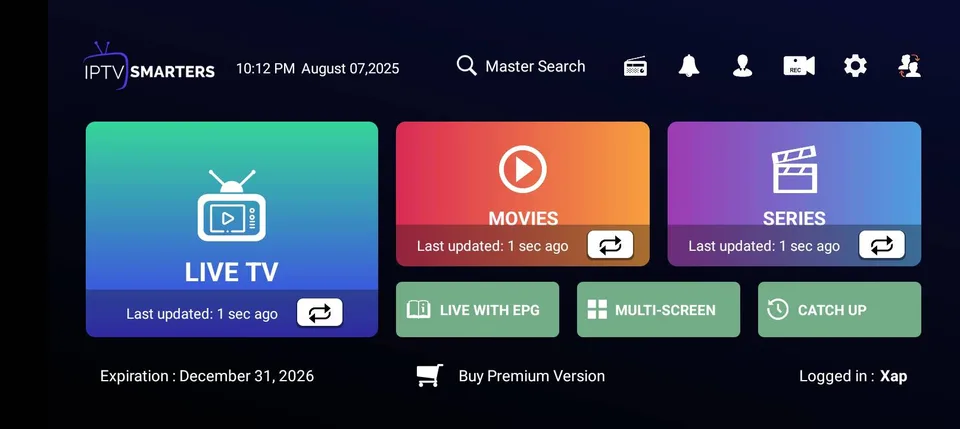
IPTV Smarters Player
Fire Stick, Android TV, and phones. Live TV, movies, and series from one home menu after Xtream or M3U setup.
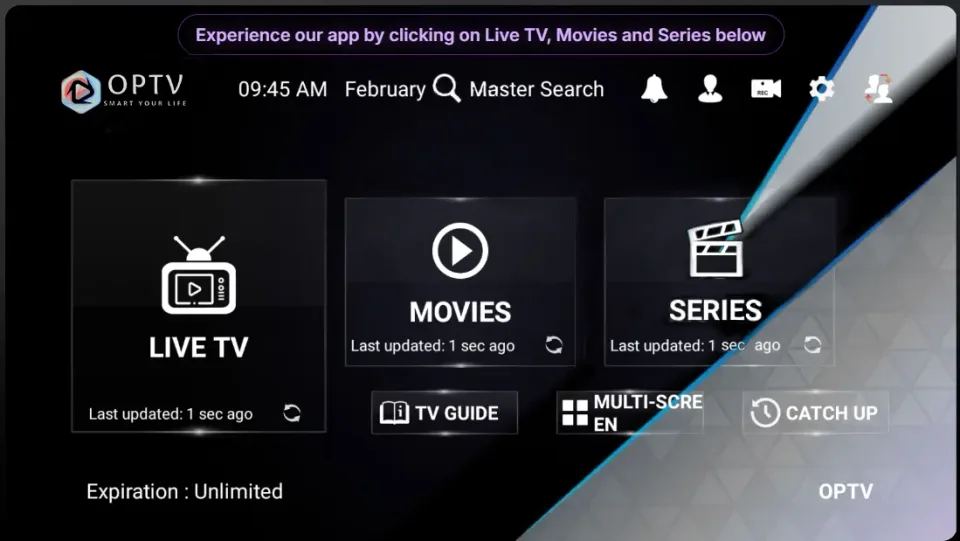
OPTV app
Provider-branded player with live channels, VOD, and series grouped for quick browsing on Android and smart TVs.
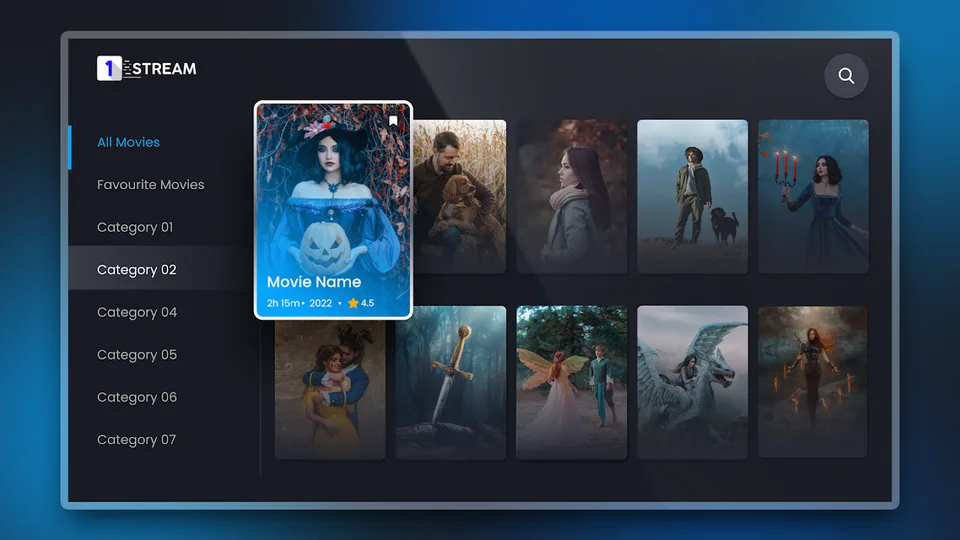
1 Stream app
Android and Fire TV sideload option. Xtream-style login; home screen lists live, movies, and catch-up when the playlist loads.
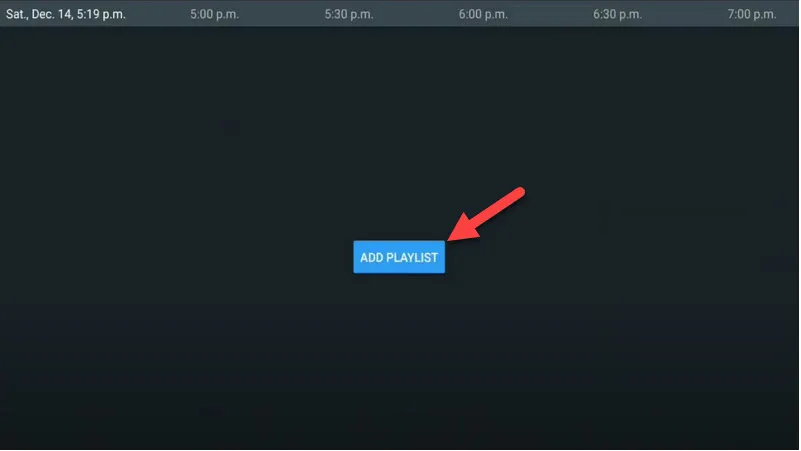
TiviMate
Android TV favourite. Starts at Add playlist, then channel groups with EPG once Xtream credentials are saved.
Features worth checking (and what is marketing)
- EPG: programme guide data may need a separate URL; missing EPG does not always mean streams are broken.
- Catch-up: depends on provider, not the app alone.
- Hardware decode: reduces stutter on Fire Stick; disable only if troubleshooting.
- Buffer size: larger buffer = fewer spins, slower channel changes.
When this app setup may not work
- Provider sent portal login but the app only accepts M3U (or the reverse).
- Fire Stick storage is nearly full—updates fail silently.
- Smart TV runs an old OS with no current player in its store.
- ISP or router filters DNS; try after rebooting router, or test on mobile data briefly.
Install walkthrough: Fire Stick steps. Playback issues: buffering on Wi-Fi, channels not loading.
Quick fixes before you switch apps
- Force-close the app and reopen; reboot the streaming device.
- Clear app cache (not always “clear data” unless you want to re-enter login).
- Confirm subscription active and copy-paste credentials again.
- Test one known-good channel on Ethernet if possible.