

IPTV buffering on Wi-Fi: diagnose then fix
Corrected
Stated the peak-hours window so the instruction to test at a different time is executable.
Spinning circles on Wi-Fi are common in UK flats and terraced houses: shared airspace, thick walls, and evening broadband peaks. Work through the checks below in order—most fixes are local and do not require changing provider.
Symptom snapshot
Brief freezes every few minutes usually point to Wi-Fi or ISP congestion. Constant buffering from the first second may be login, app, or a device that cannot keep up with HD bitrate. Ethernet for one test separates “wireless problem” from “everything else”.
Diagnostic order (do not skip steps)
Test A — Speed at the TV
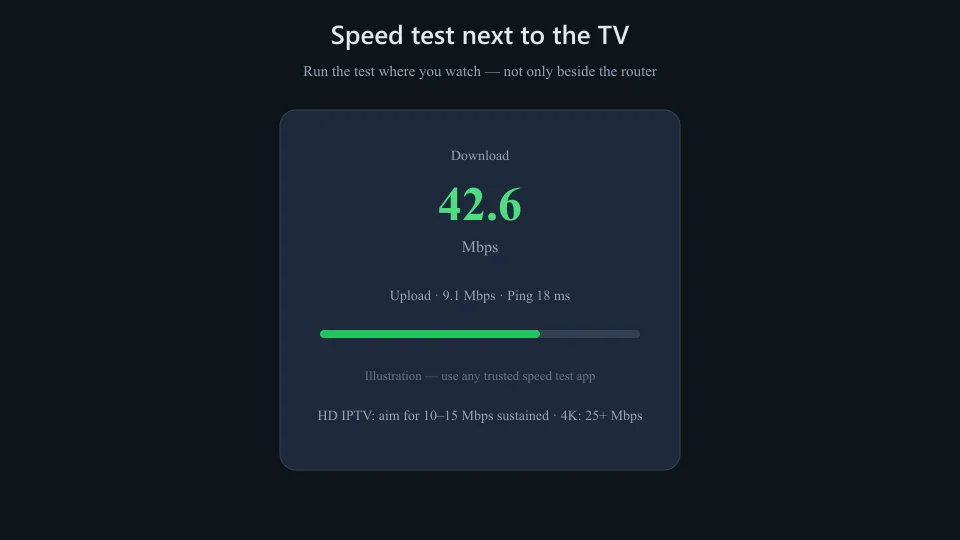
Run a speed test on a phone standing next to the streaming device. HD needs roughly 10–15 Mbps sustained; 4K needs more headroom. Compare with speed guidelines.
Test B — 5 GHz vs 2.4 GHz
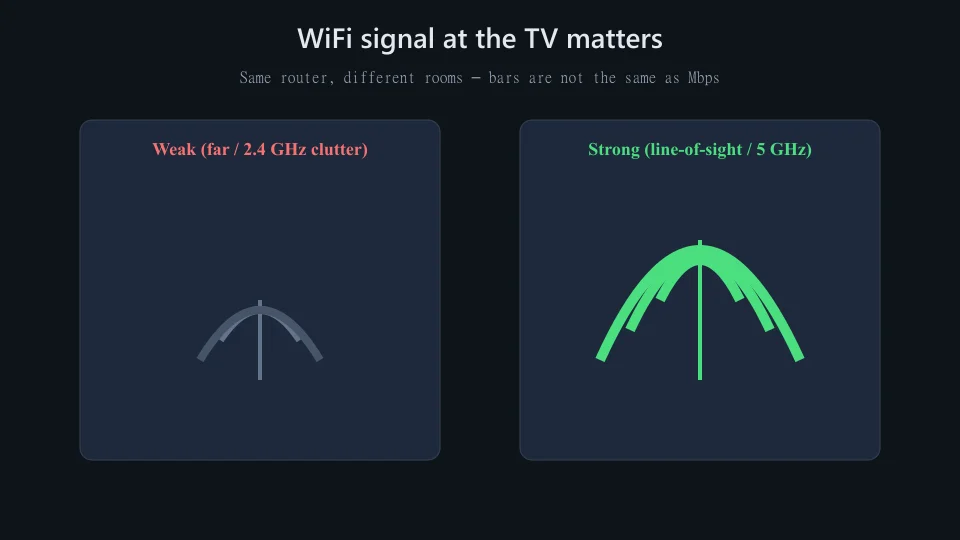
If the router broadcasts both, connect the stick or TV to 5 GHz when nearby. 2.4 GHz reaches farther but clogs with neighbours and IoT gadgets.
Test C — Same channel, same time tomorrow
If it only fails after 7 p.m., read buffering at night—shared ISP capacity may be the pattern.
Test D — Ethernet or powerline (if possible)
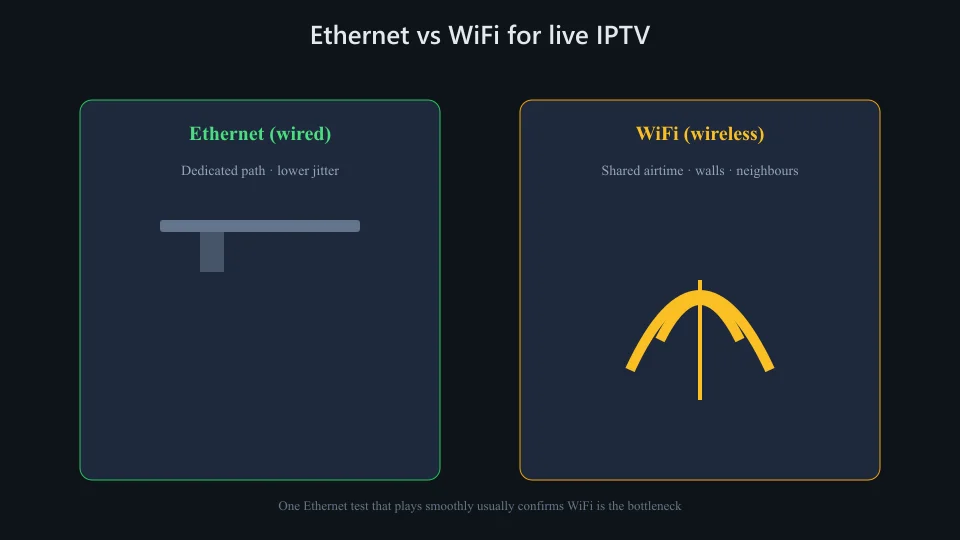
One wired session that plays smoothly strongly implicates Wi-Fi. See Ethernet vs Wi-Fi.
Router and placement fixes
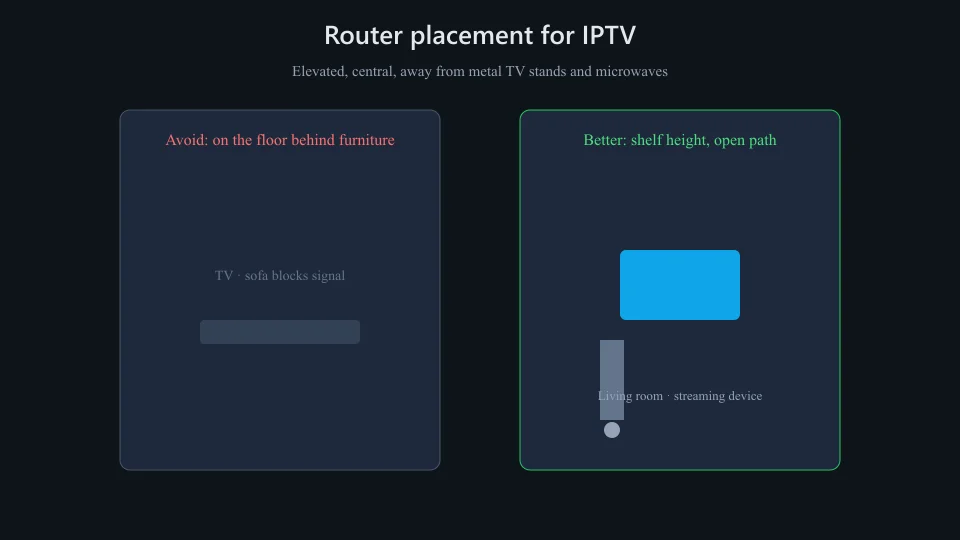
- Move the router off the floor and away from metal TV stands and microwave paths.
- Restart router and streaming device (power off 30 seconds).
- Update router firmware; disable unused guest networks if they share airtime.
- Reduce concurrent downloads (game updates, cloud backups) while watching sport.
Device-side limits
Older Fire Sticks on 2.4 GHz-only radios may stutter on HD even when a phone on the same Wi-Fi reports high speed—the antenna and decoder matter. Close background apps, clear player cache, and lower stream quality in app settings as a test.
Wider fixes: buffering UK guide · troubleshooting hub
When Wi-Fi is probably not the cause
All channels fail instantly on Ethernet, or only one category (e.g. every sports feed) buffers while others are fine—consider provider load or playlist issues. Login errors and empty guides are app/credential problems, not signal strength. Channels not loading covers that path.